Automation OS for Dealerships
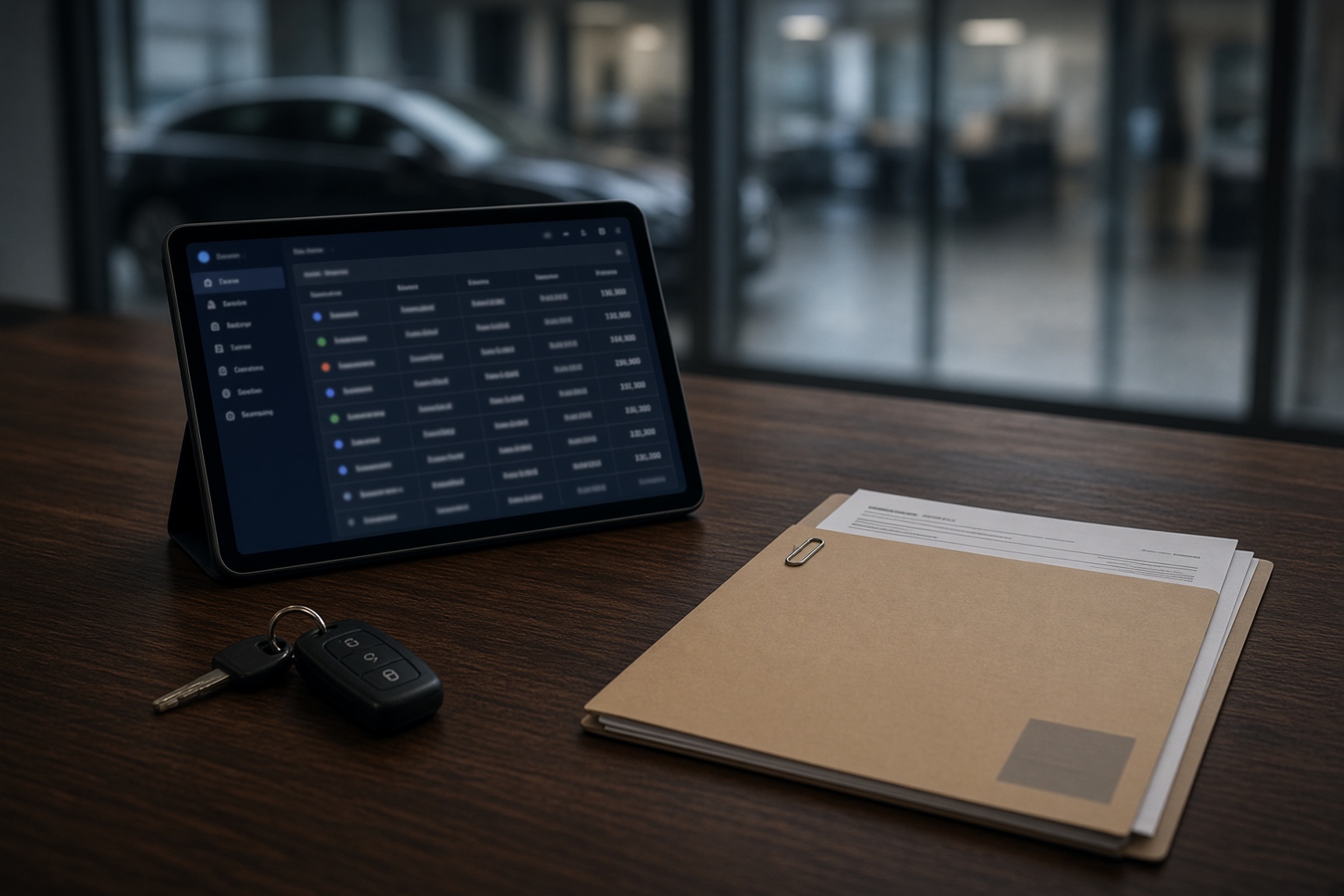
The screen on the sales desk.
Not another stock system. It ties into the one you already pay for, and does the floor work that system never did.
Team
Manage your team and assign roles
Add your people and decide who sees what. A promotion takes one click, not a meeting.
Stock
Easily manage stock location and progress
Every car, where it is, and where the keys went. Fewer laps of the car park.
Stock in transit
Know where every car is before it lands
At port, on the lorry, then in stock. Everyone sees the same status, so nobody has to ring the depot.
Quotes
Turn a quick brief into a proper proposal
Type what the customer told you. The cars and the story fill themselves in. The figures are yours to type, same as always.
Customer view
Customers automatically stay up to date
Their order moves when the car does. The phone rings less, and nobody has to ring the port.
Nudges
A nudge before handover goes sideways
If a customer still has jobs to do the day before, the desk gets a prompt and a one-tap message. No awkward Saturday mornings.
To-Do and daily digest
Chases stay put until someone ticks them off
PX V5s and promises sit on the to-do list and in the 8am digest. Tick it once and it stops asking.
Overview
See how every month went, and who sold what
Pick a month and the deliveries add themselves up, per salesperson. Commission night gets a lot shorter.
Groups and franchises
Run every site from one Office
Switch site and the numbers follow. Stock, deals and Roles stay separate per site, with one login for the group.
Why this isn’t DealerWeb
You already have a system. This sits next to it.
DealerWeb, the DMS, the manufacturer portal: they hold the book. They were never built for the person standing next to the car. Forecourt pulls from what you already run, and keeps the floor moving.
Where the car actually is
Factory, boat, compound, yard. Not a status code only one person can read.
Read moreWhere the keys are
Cabinet, with PDI, unknown. The host should not have to shout across the showroom.
Read moreHas it been photographed
On the ramp, in the studio, done. The listing does not wait on a WhatsApp.
Read moreThe customer already knows
They open their order and see the car. The exec is not a switchboard.
Read moreWhat your CRM misses
Your CRM keeps the book. Forecourt keeps the floor moving.
Same screens you already know. The gaps the floor feels every day.
| Feature | CRMCRM alone | + FC+ Forecourt |
|---|---|---|
| The stock book | ✓ | ✓ |
| Detailed stock book | ✕ | ✓ |
| Deal / order paperwork | ✓ | ✓ |
| Customer tracks their order live | ✕ | ✓ |
| Customer sees their to-do list | ✕ | ✓ |
| Universal smart key locator | ✕ | ✓ |
| Car photo status | ✕ | ✓ |
| Staff to-do list for the day | ✕ | ✓ |
| Daily digests for sales | ✕ | ✓ |
| Stock tied in with progressor + hosts | ✕ | ✓ |
| Automatic month-end organisation | ✕ | ✓ |
| Missed add-on products automation | ✕ | ✓ |
| Fewer chasing calls / complaints | ✕ | ✓ |
Not sure yet
Plans can be fuzzy. Tell us what you need.
Trial questions, group pricing, something odd about your sites. Send a short note. No desk opens until you are ready.
What you’re looking at
One place for the day’s work.
Stock
Pulled from the system you already run. Plus where the keys are, and how long it’s been sitting.
Deals
Every live order. The profit. What’s still missing before handover.
Locator
Factory, boat, compound, or on the yard, so nobody has to guess.
Customers
They can see their own car. Fewer “any update?” calls.
Built for the person standing next to the car.
Start here
Three steps to get started.
See it
Scroll the showcase on this page. Team, stock, and the customer view, with sample cars.
Take a lookStart on one site
£1,500 for 60 days. One dealership. If you stay, it comes off the setup. Franchise and group skip the trial.
See packagesGo live
We load your cars and staff. You get a website, and your team signs in on the iPads, laptops and PCs you already use.
How it worksAfter you pay
What happens next
Six steps from payment to live. We email you as each one moves, and you can always reply to a real person.
- Payment receivedToday
Your order is in. Stripe sends your receipt separately.
- Kickoff callWithin 5 working days
30 minutes on a video call to agree who uses it, your branding and how your stock comes in.
- We set up your deskWithin 7 working days of the kickoff
Your name, colours, staff and stock, on a database kept separate from every other dealership.
- Your previewWithin 7 working days of setup
Try it with your team and tell us what to change.
- TestingUsually 1 to 2 weeks
Your team uses it on real days while we tidy up anything that needs it.
- LiveUsually 1 to 2 weeks after testing
Your web address goes live and your team signs in with a code.